
Personal session generator
Goal, experience, time, equipment and sensitive areas shape every workout.
Your workout. Your pace. Your home.
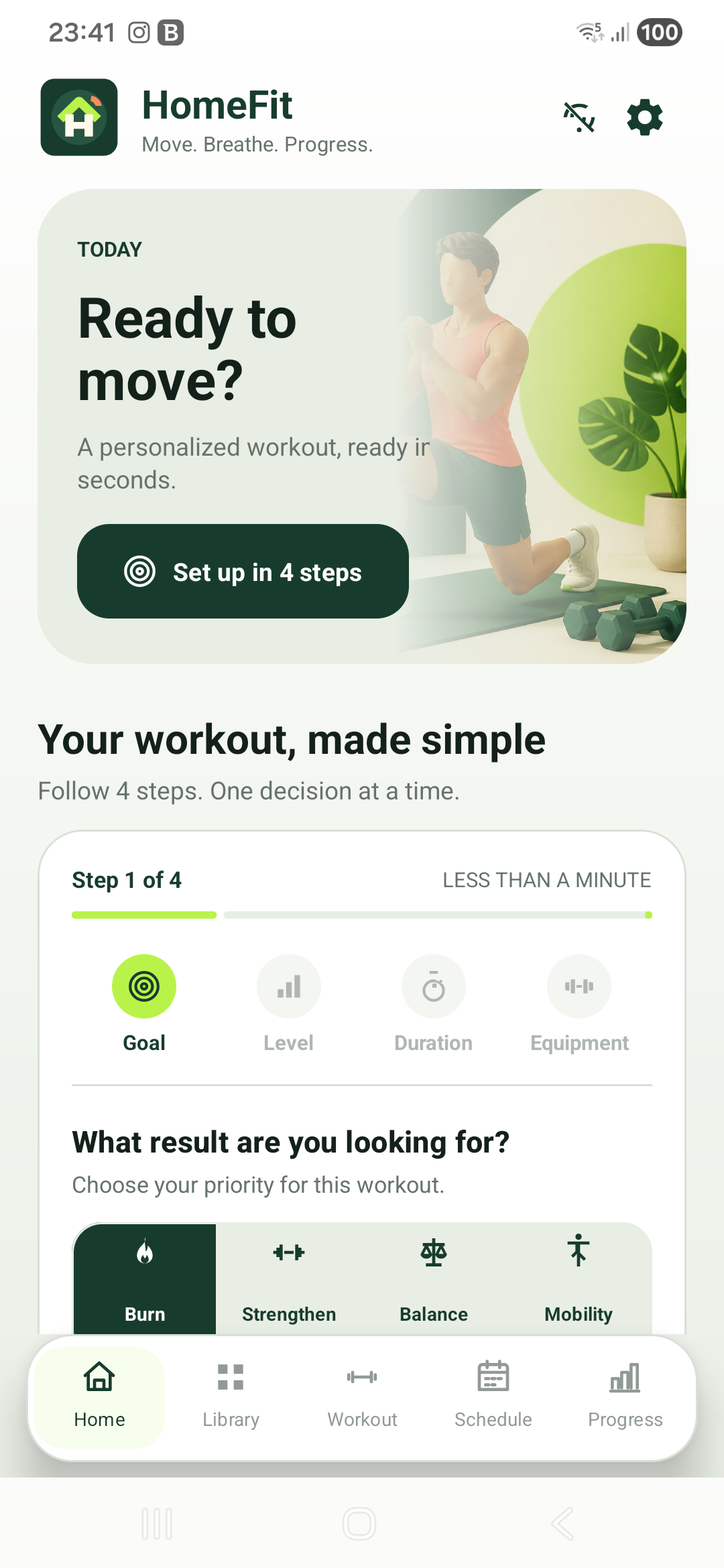
Choose your goal, level, available time and equipment. HomeFit builds a clear 5, 10 or 20 minute session and guides every move — even offline.
A coach that removes the guesswork
The essential tools stay connected: plan a session, understand the movement, finish at your pace and see what changes over time.
Goal, experience, time, equipment and sensitive areas shape every workout.
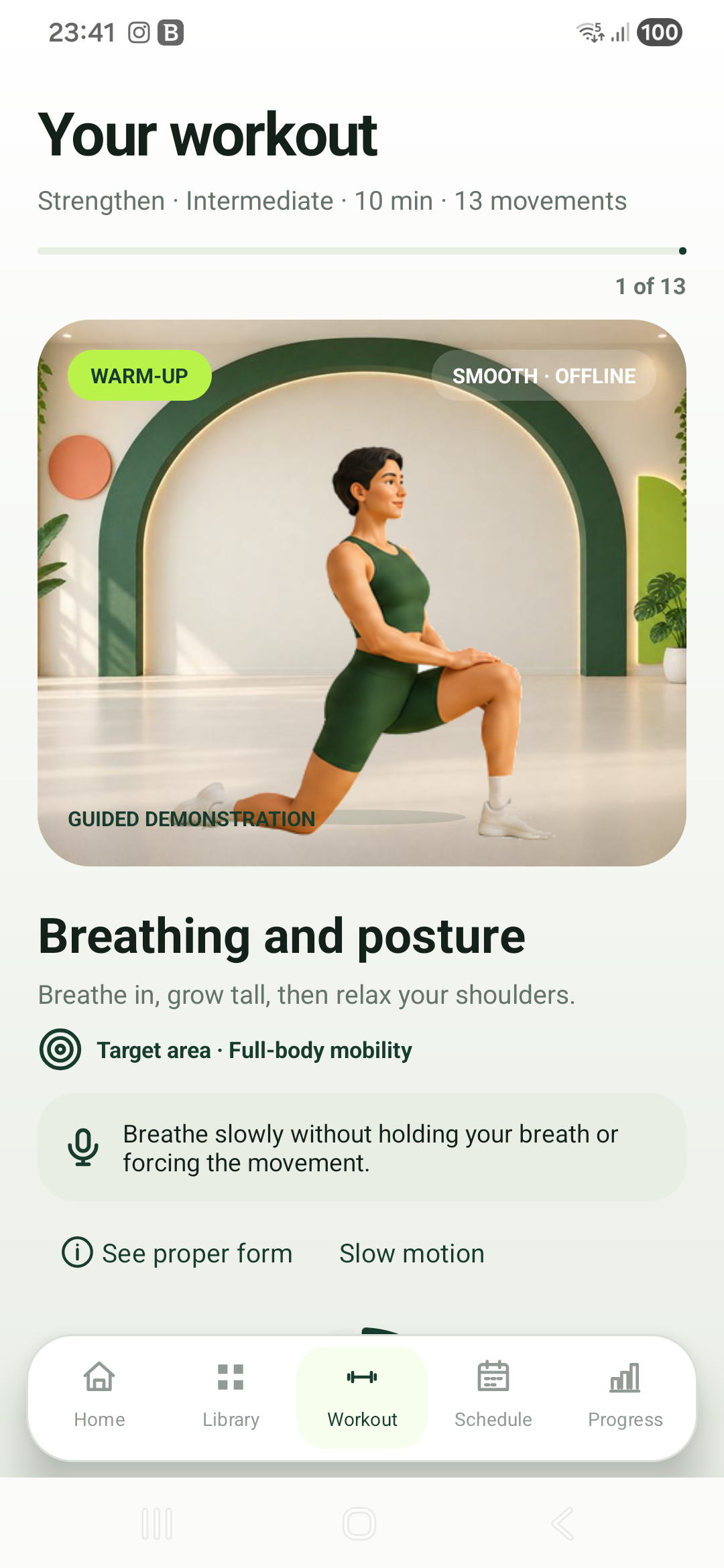
Professional animated characters, form cues, breathing tips and easier variants.
Work, rest, pause, skip and audio cues keep the session flowing without screen watching.
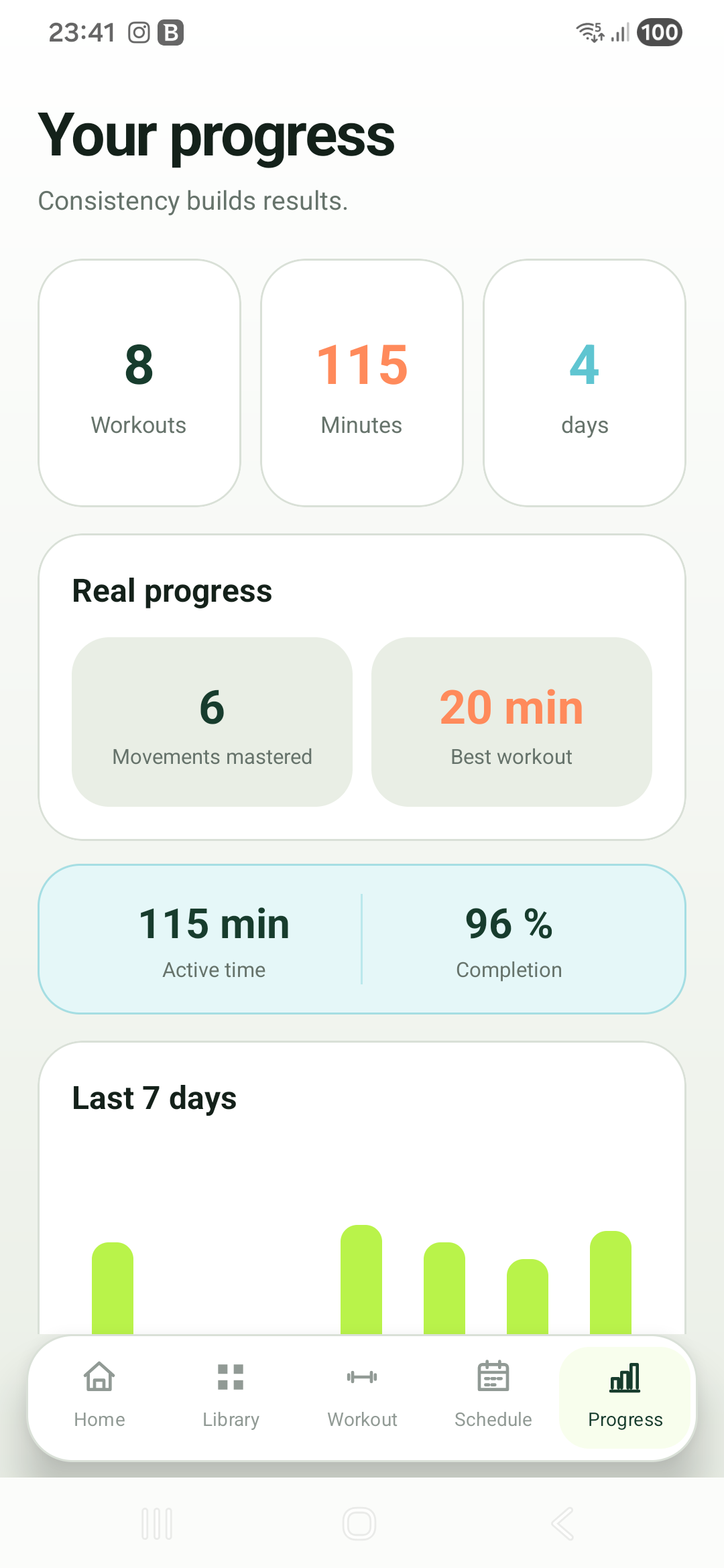
Minutes, completed workouts, streaks, focus trends and useful milestones in one place.
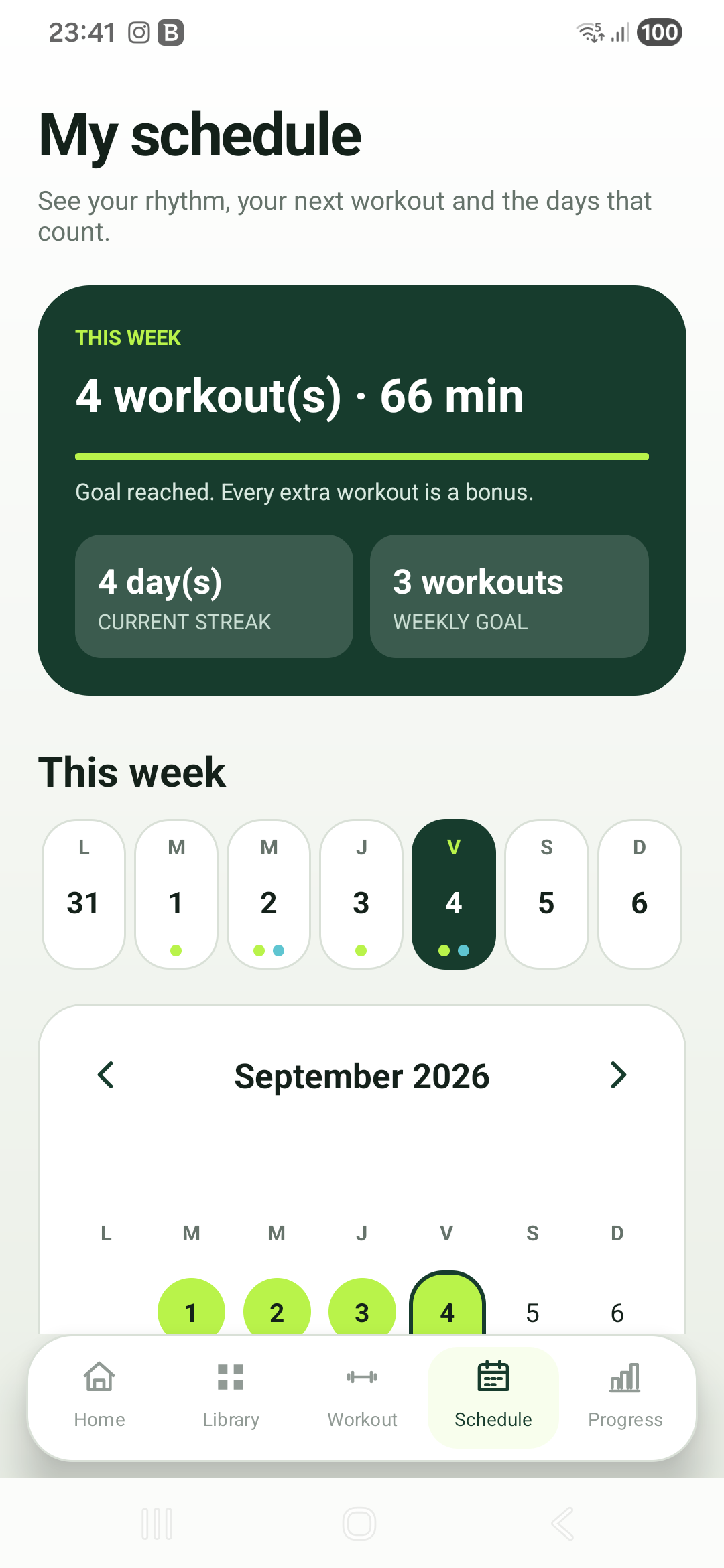
Plan realistic training days, see completed and partial sessions, and return with a reminder.
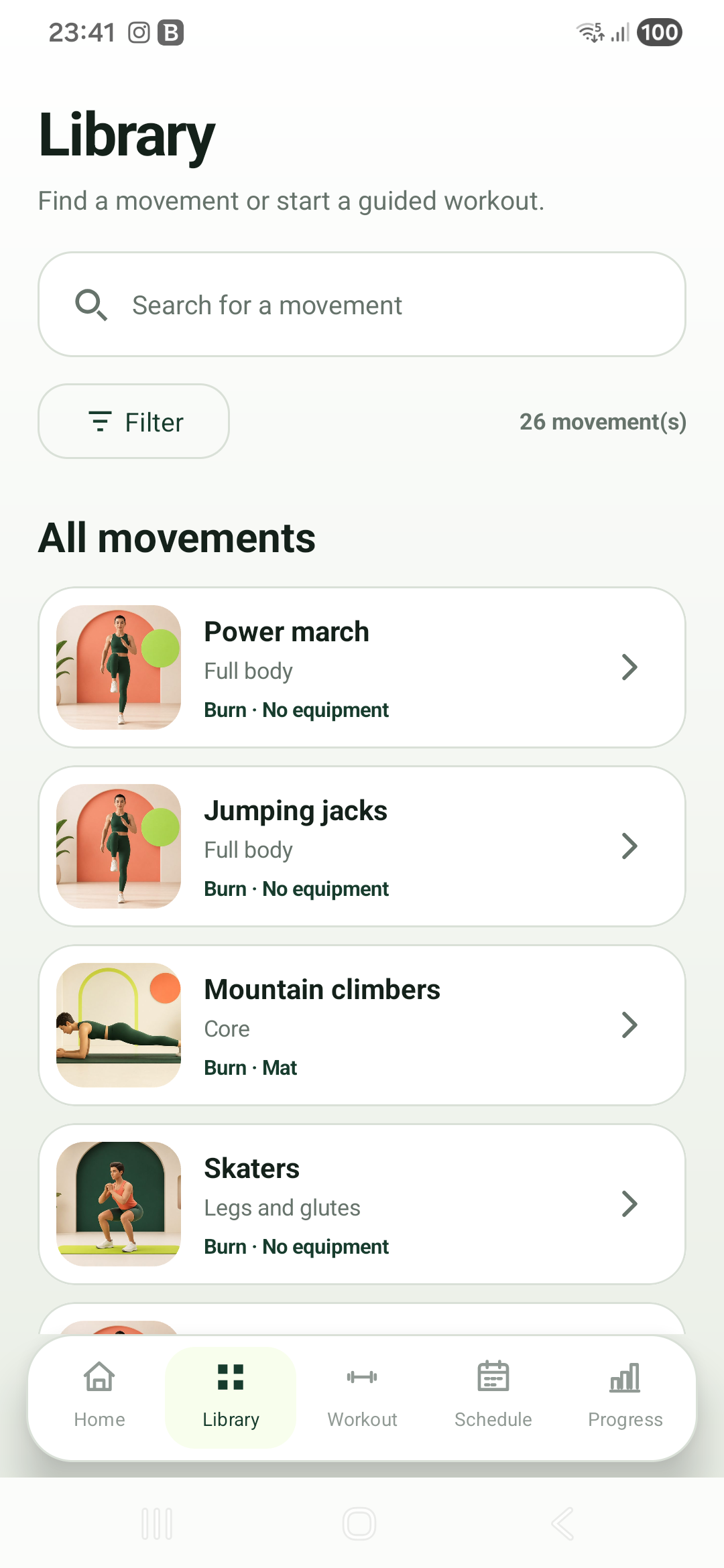
Find movements, filter favorites or no-equipment options, and replace exercises you do not want.
Start without feeling lost
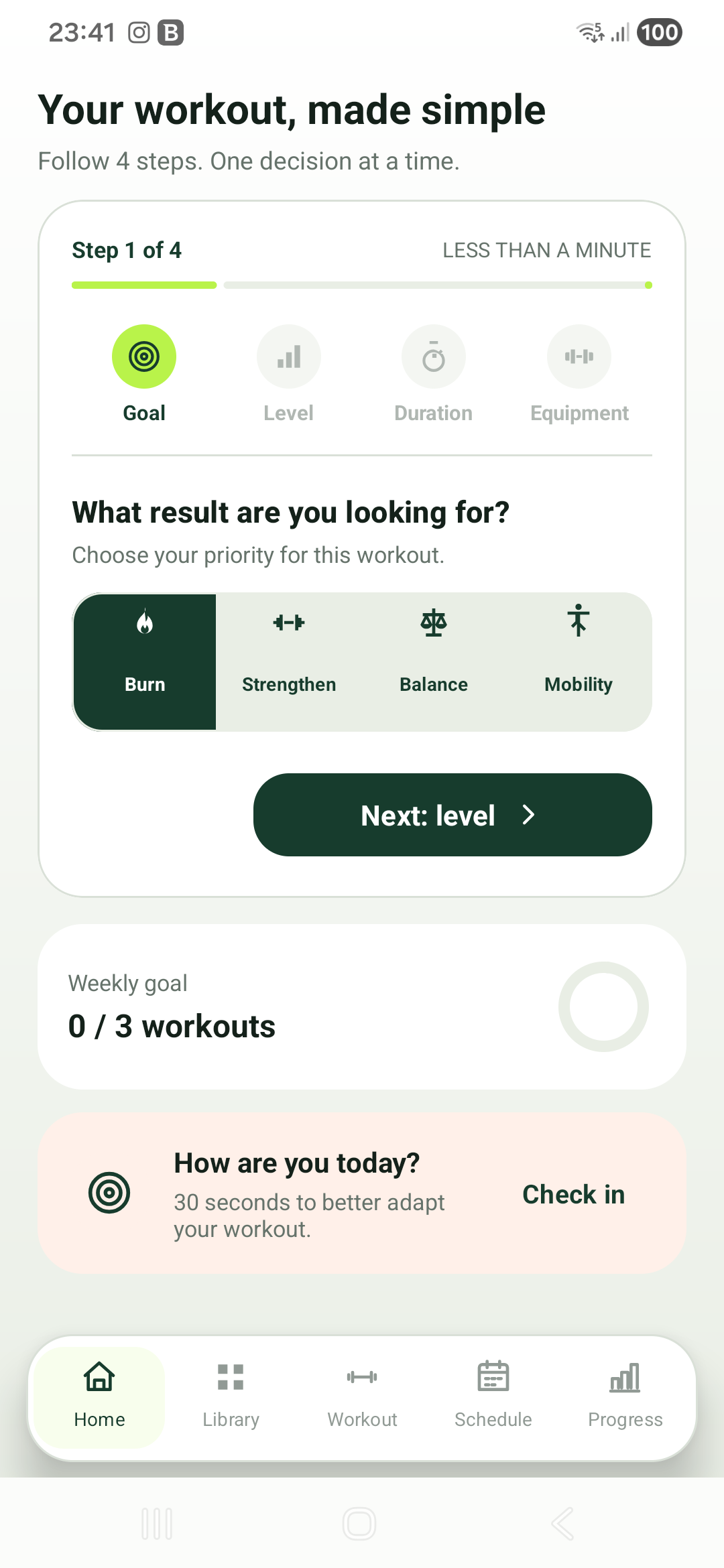
The first setup reveals one choice at a time. Afterward, your choices become a compact summary you can edit whenever your day changes.
Energy, strength, balance or mobility.
Beginner, intermediate or advanced.
A useful session in 5, 10 or 20 minutes.
No equipment, mat, dumbbells, band or chair.
More than a countdown
Each exercise combines a smooth demonstration with the information you need at the right moment — target area, key form point, breathing and a safer variation.
Real screens from the Android app
Every screen has one clear job, with a consistent visual hierarchy and useful next action.
Private by default
HomeFit needs no account and sends no workout profile to a HomeFit server. Your plan, preferences, history and progress remain in private local storage. Optional usage diagnostics, Google advertising and consent services use the internet.
Good to know
Yes. Workout generation, movement guidance, timers, the library, calendar and progress work offline. Ads and regional consent messages require a connection.
No. Select “No equipment” and HomeFit creates a bodyweight session. A mat, dumbbells, resistance band or chair can be included when available.
Yes. The daily check-in can reduce intensity and protect sensitive knees, wrists, back or shoulders. Stop and seek professional advice if you feel sharp pain.
No. HomeFit provides general fitness guidance, not diagnosis or medical treatment. Consult a qualified professional when exercise may not be appropriate for you.
Support
Tell us your Android version and what you were trying to do. Do not email health details or other sensitive personal information.